
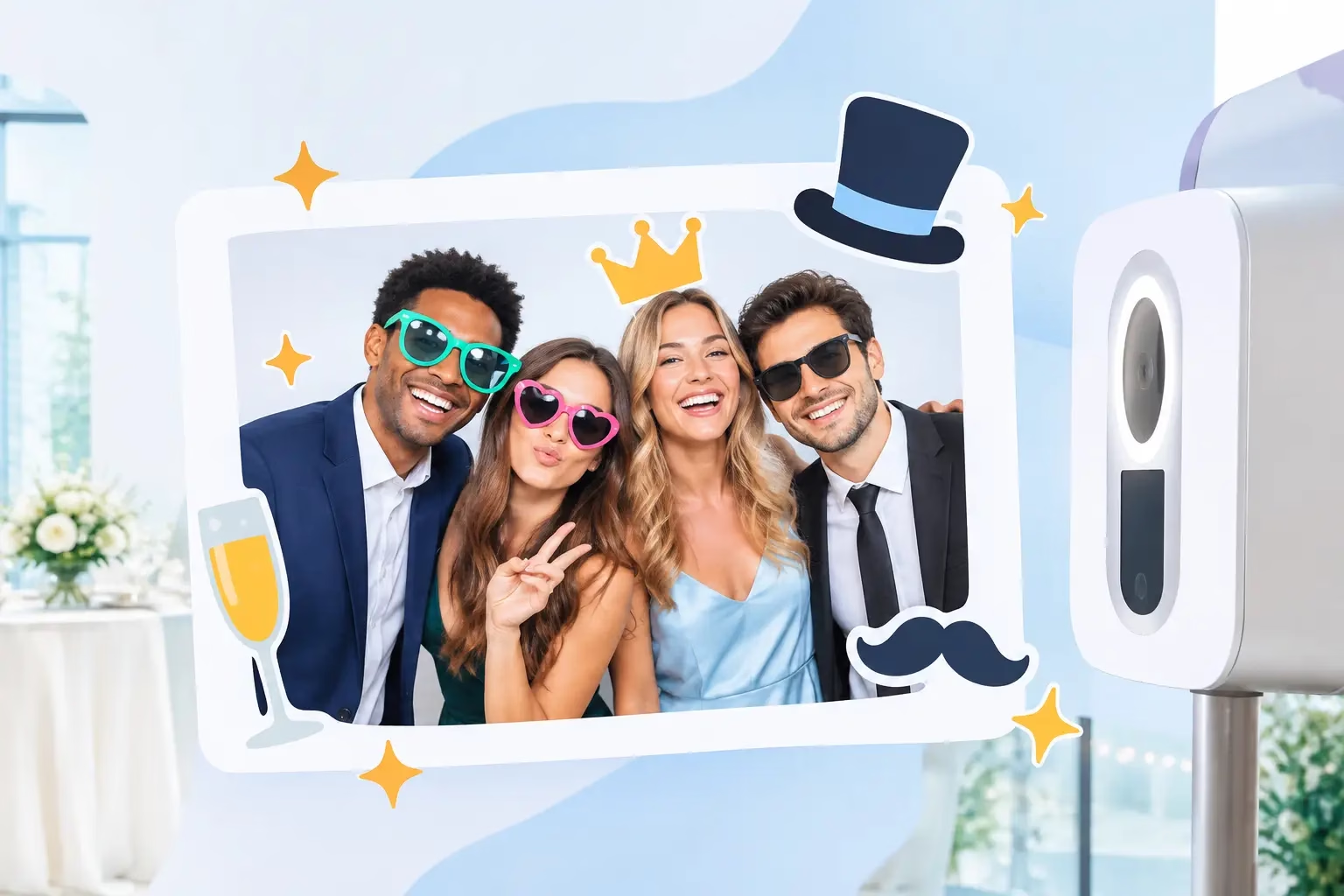
A plain photo booth image captures the moment. Animated photo overlays give that moment a reason to move, sparkle, celebrate, and get shared before the night is over. Whether guests are stepping into a 360 booth at a company party or posing for a formal wedding portrait, motion graphics can turn a great photo into content that feels made for the event.
The best overlays do more than add confetti to the screen. They reinforce a theme, invite guests to interact, and make every digital delivery look intentional. For planners, couples, parents, and marketing teams, that means a more polished experience without adding another task to the event-day list.
What Are Animated Photo Overlays?
Animated photo overlays are moving graphic elements placed over a photo, GIF, boomerang, or video capture. Think floating hearts around a newlywed couple, a burst of school-color streamers for prom, shimmering stars for a quinceañera, or a branded frame that comes alive with a product launch message.
Unlike a static print template, an animated overlay changes over the course of the final asset. It may flicker, pulse, drift across the frame, reveal a logo, or respond to a guest action. The effect can be subtle and elegant or energetic and social-media-ready. The right choice depends on the crowd, the event setting, and how guests will receive and share their content.
At a photo booth, these effects are typically built into the capture experience or applied to the final digital file. That makes them especially valuable for GIFs, short videos, 360 captures, and selfie-station content. A still image can carry an overlay too, but motion is where the format earns its attention.
Why Motion Makes the Booth Experience Feel Bigger
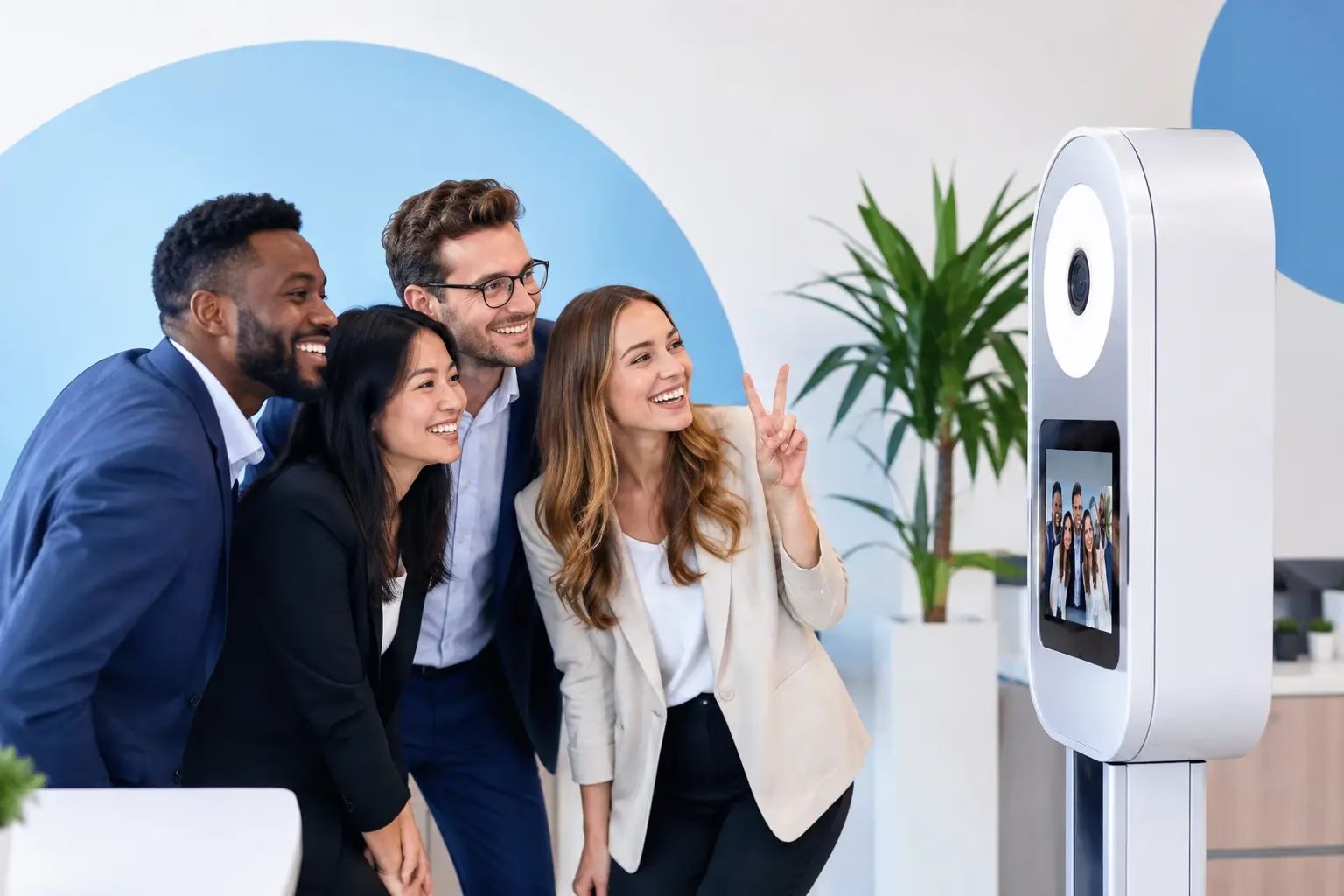
Guests do not need a tutorial to understand a moving graphic. They see the screen light up, hear the countdown, strike a pose, and watch a personalized moment take shape. That immediate feedback creates a small burst of excitement around every session. It also gives people a reason to come back with a new group later in the night.
For social celebrations, animated effects help match the room’s energy. A Sweet 16 may call for glitter, playful icons, and bold color. A gala might use a refined gold shimmer, a clean monogram, and a graceful reveal that feels polished instead of loud. The overlay should support the occasion, not compete with it.
For branded events, the value goes beyond decoration. A well-designed animated logo treatment keeps the organization visible in every shared file without making the content feel like an advertisement. Guests are more likely to post something that looks fun and flattering, and the brand receives more organic visibility as a result.
Choosing Animated Photo Overlays for Your Event
Start with the event’s visual direction. Your invitation, signage, florals, stage design, and brand palette all offer useful cues. An overlay does not have to copy every detail, but it should feel like it belongs in the same room.
A wedding with black-tie attire and candlelight may benefit from a delicate border, soft light flares, and a brief name-and-date reveal. A corporate team celebration can handle punchier animation, department colors, or a campaign hashtag. For a university event, school spirit may lead the design with mascots, team colors, and high-energy movement.
Then consider how guests will use the final content. If most attendees will text or email themselves a digital file, an animated GIF or short video can be a strong fit. If printed keepsakes are a major priority, pair the moving asset with a complementary static design. Prints cannot animate, but they can carry the same logo, color palette, and event details so the full experience stays connected.
There is also a practical trade-off: more animation is not always better. Fast-moving graphics can distract from faces, cover outfits, or feel dated if every corner of the frame is in motion. A clean design with one memorable animated element often has more impact than a screen crowded with effects.
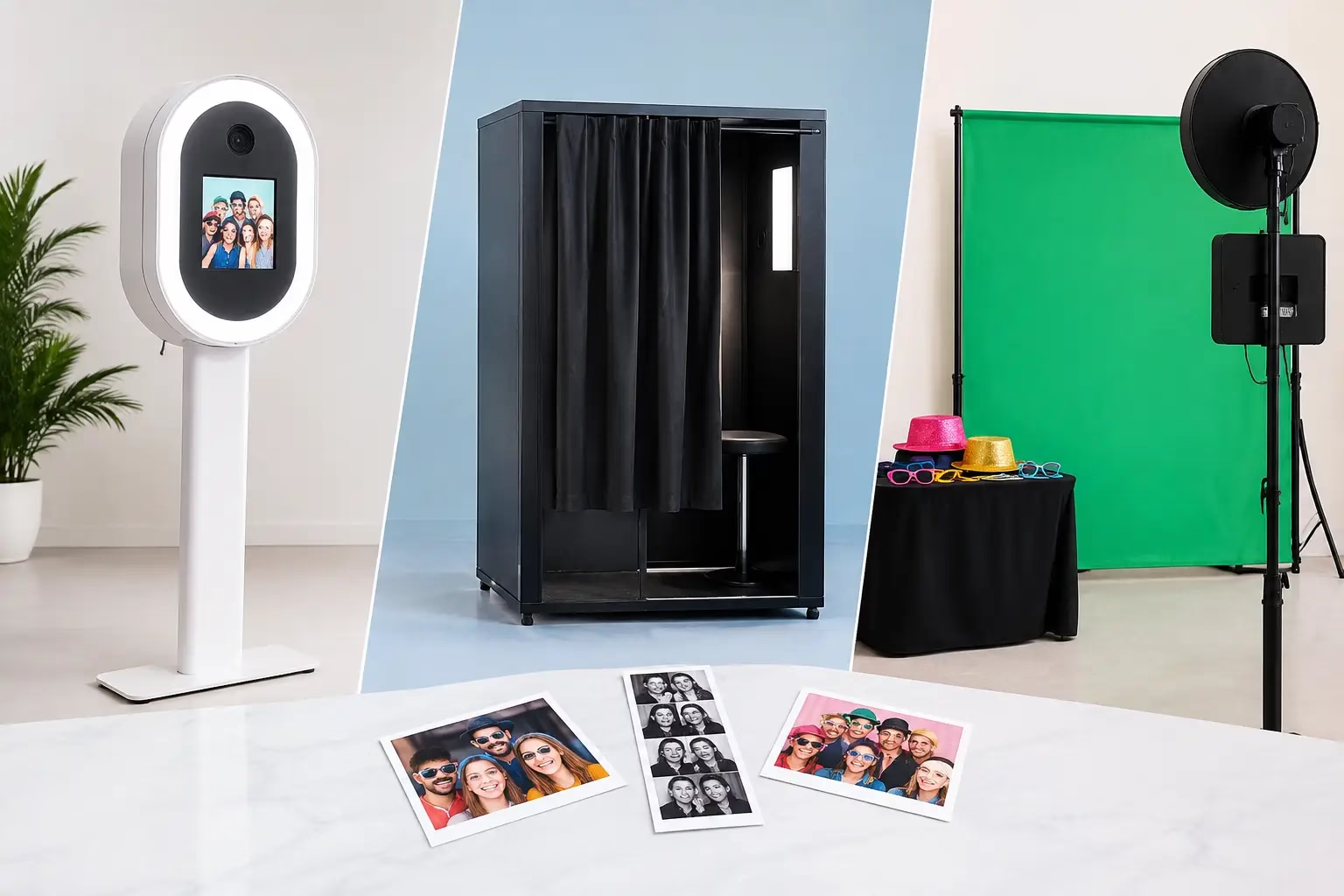
Match the effect to the booth format
Different booth experiences call for different approaches. A 360 photo booth is built for movement, so overlays can emphasize the spin with speed lines, light trails, animated text, or a logo that enters at the right moment. The goal is to enhance the action without hiding the guest at the center.
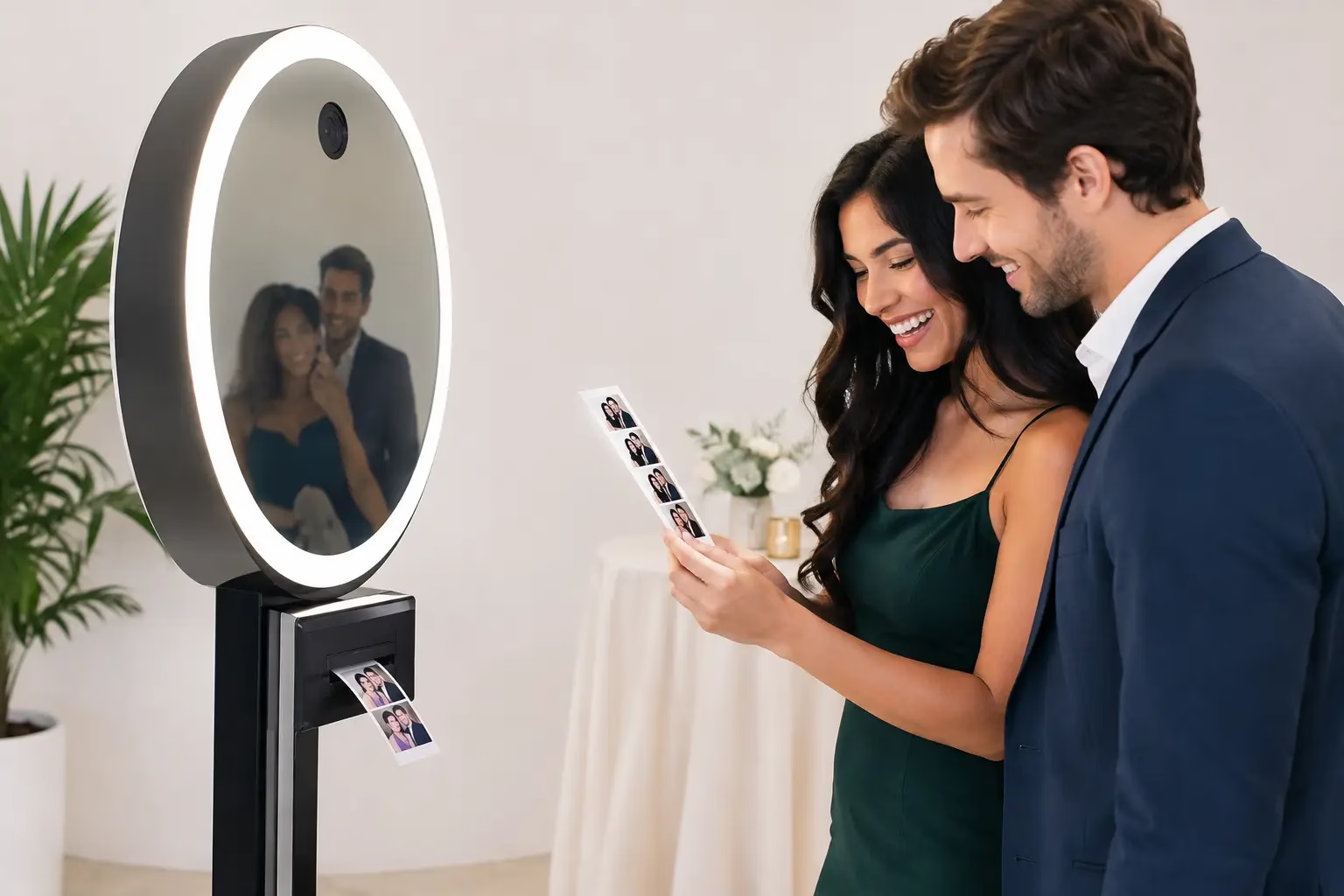
Interactive mirror booths work well with touch-triggered animations, themed prompts, and celebratory signatures. Guests can see their reactions in real time, which makes playful effects especially effective for weddings, proms, and milestone birthdays.
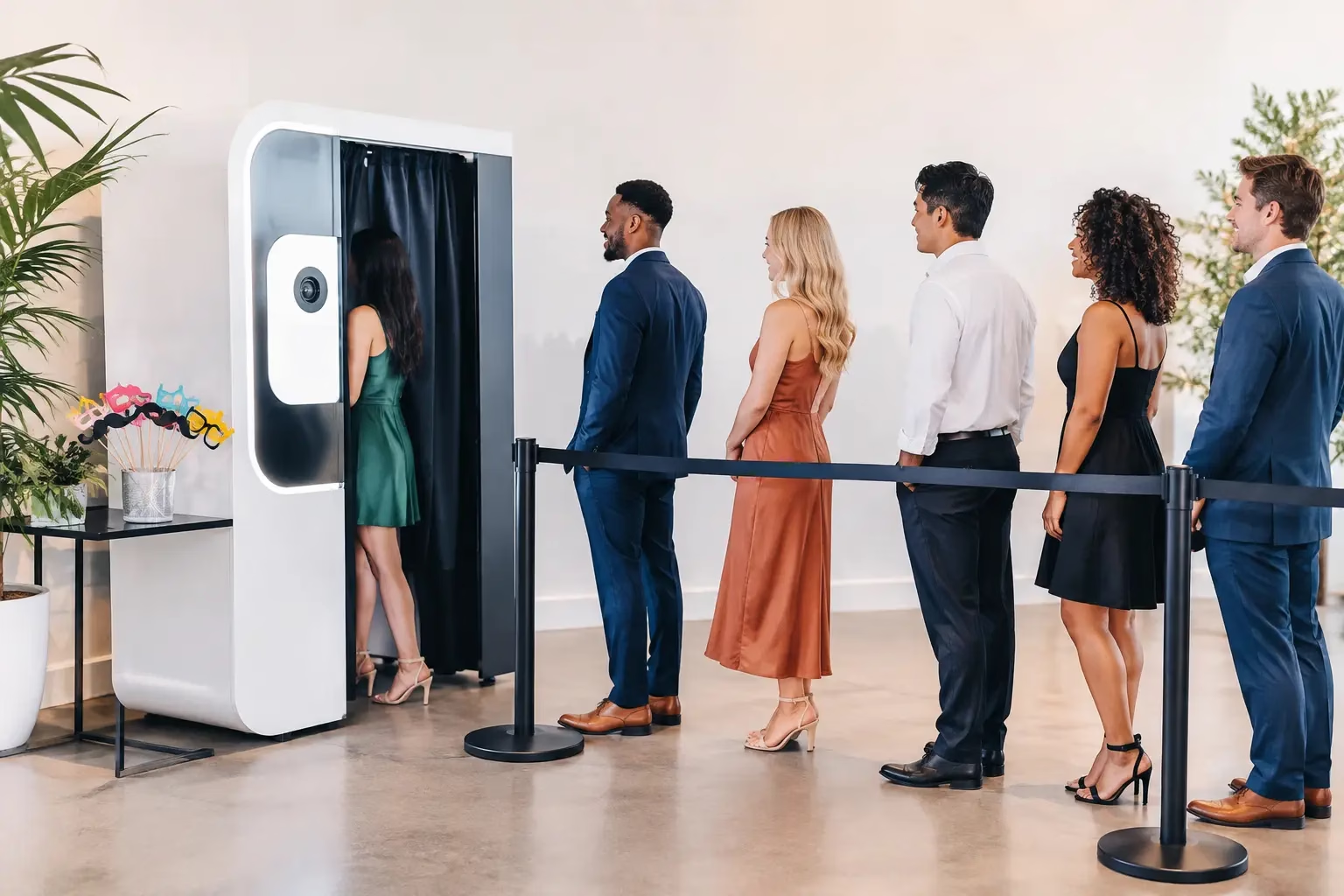
A DSLR booth or selfie station may be the better choice when crisp portraits and a clean digital gallery are the priority. In that setting, a lighter overlay can add personality while preserving the quality of the photo. It is a smart approach for galas, networking events, and brand activations where the look needs to stay elevated.
Brand the Moment Without Overbranding It
Corporate event planners often need brand visibility, but guests still want content that feels personal. The strongest animated designs find the middle ground. Put the logo where it is easy to notice but difficult to mistake for a watermark. Use approved brand colors, then give guests a visual payoff that is more than a logo on a corner.
For example, a product launch might use animated color blocks that assemble into the campaign mark at the end of a clip. A nonprofit gala could feature a subtle mission-focused line that appears after the photo, alongside an elegant event logo. An employee appreciation party may use custom award-style graphics that make each guest look like the star.
Keep key details readable on a phone screen. Tiny text, complicated slogans, and overly thin fonts get lost fast in a shared file. If an event hashtag matters, make it short, high contrast, and visible long enough to register.
Plan the Details Before Guests Arrive
A great overlay needs more than a great idea. It needs a dependable setup, the correct dimensions for the selected booth, and testing before the first guest steps in front of the camera. This is where full-service support matters. The booth team can confirm the event name, date, logo files, colors, and final approval well before doors open.
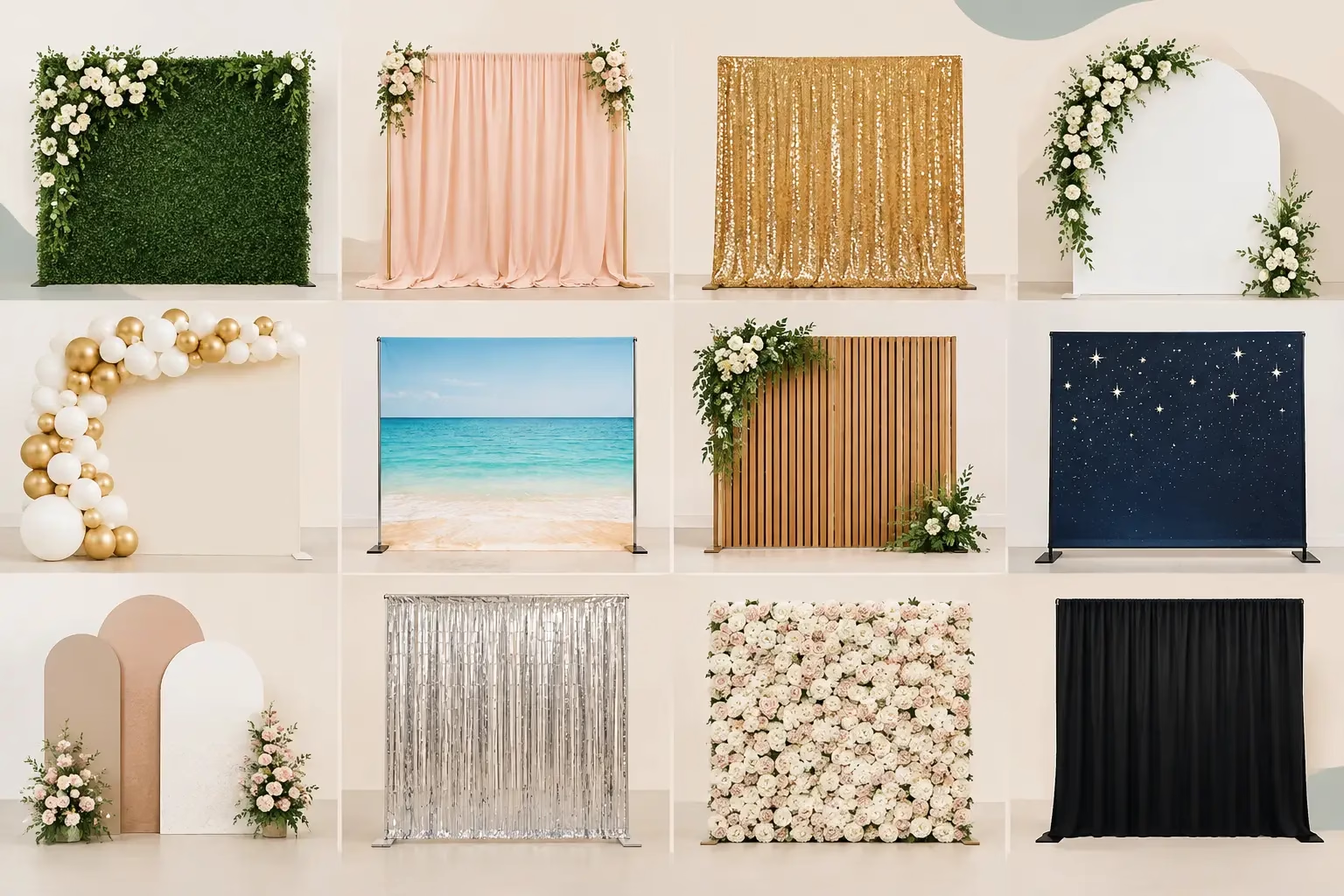
Think about the venue too. Bright outdoor light, a dim ballroom, and a colorful step-and-repeat each affect how graphics appear on screen. If the background is already busy, the overlay should be simpler. If the space is dark and dramatic, bright animated accents may help the capture stand out.
Timing matters as well. A wedding overlay can feature names and a date all night long. A corporate event may need different messages for a VIP hour, the general reception, and a late-night social push. Planning those variations ahead of time keeps the booth experience organized while giving the event more range.
For Austin events with packed schedules and multiple vendors, it helps to work with a photo booth partner that handles setup, operation, and teardown. Fun Fun Party can build a custom booth experience around the event rather than asking the planner to manage graphics, guest flow, and equipment coordination during the celebration.
Make Every Capture Worth Keeping
The most successful animated photo overlays feel effortless to guests because the planning happened behind the scenes. They fit the mood, flatter the people in the frame, and create a digital keepsake that still feels exciting when someone watches it the next morning.
Before choosing an effect, picture the final file in a guest’s camera roll. If it makes them smile, share it, or remember exactly how the room felt, it is doing its job. Choose motion with purpose, keep the guest at the center, and let every booth session add another memorable beat to the party.
Leave A Comment